CursorClip
Capture polished Mac screen recordings with smart zoom and 4K export.
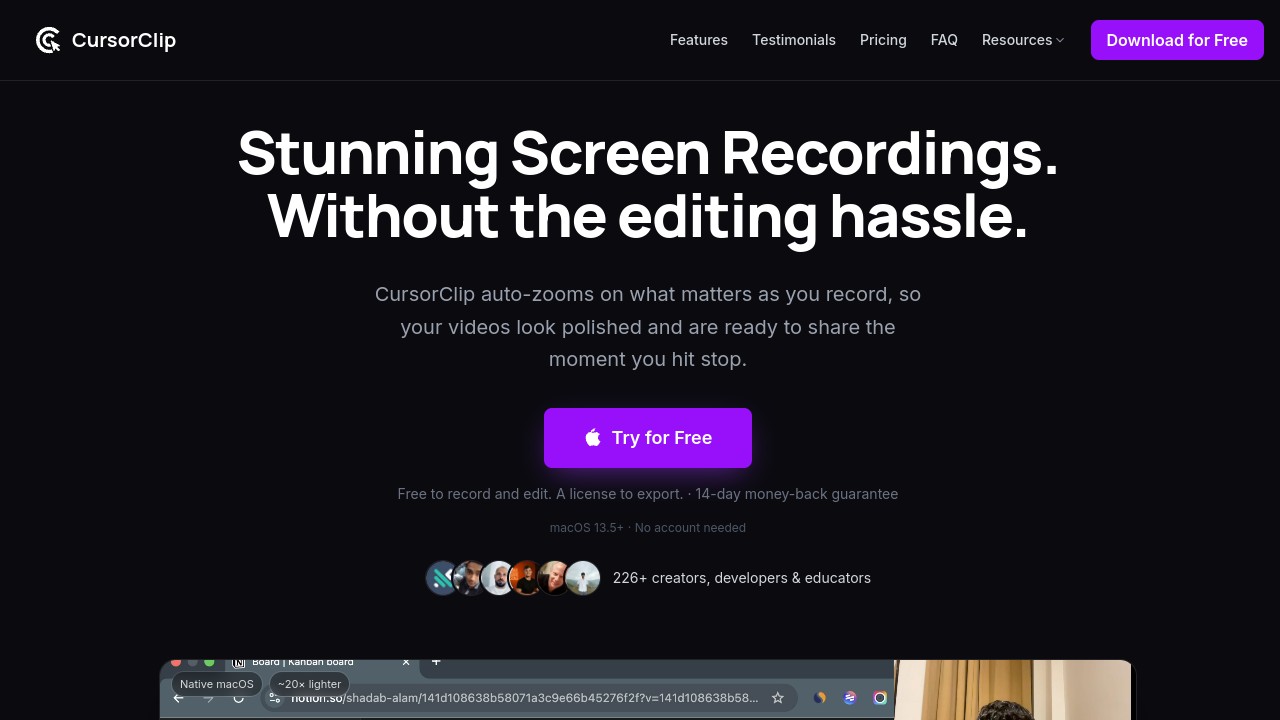
CursorClip is a native Mac screen recorder designed for creators, developers, and educators who need high-quality recordings without the hassle of complex editing. It's perfect for anyone looking to produce professional screen demos quickly and easily.
CursorClip stands out with its smart cursor-aware zoom feature. As you navigate your screen, the app automatically zooms into active areas, making your recordings look polished and focused without manual editing. This is especially useful for tutorials and product demos where clarity is key.
Key features include:
- 4K Recording: Capture in up to 4K resolution at 60fps for crisp, detailed videos.
- Audio Options: Record system audio, microphone audio, or both.
- Video and GIF Export: Export your recordings as high-quality MP4 or optimized GIFs.
- Custom Backgrounds: Personalize your video backgrounds for more engaging content.
- Camera Capture: Include webcam footage alongside your screen recording.
CursorClip is lightweight, with a small 18MB download size, ensuring it runs smoothly on macOS without consuming excessive resources. This makes it a faster alternative to larger, more resource-intensive apps.
With a one-time purchase of $59, CursorClip offers lifetime access to all features, eliminating the need for subscriptions. It comes with a 14-day money-back guarantee, allowing you to try it risk-free.
Ideal for professionals who value their time, CursorClip simplifies the recording process, enabling you to create polished demos in minutes. Its native macOS design ensures seamless performance, making it a practical choice for anyone on macOS 13.5 or later.

Similar to CursorClip