Zoho Assist
Remote desktop software for IT teams to access and troubleshoot devices securely from anywhere.
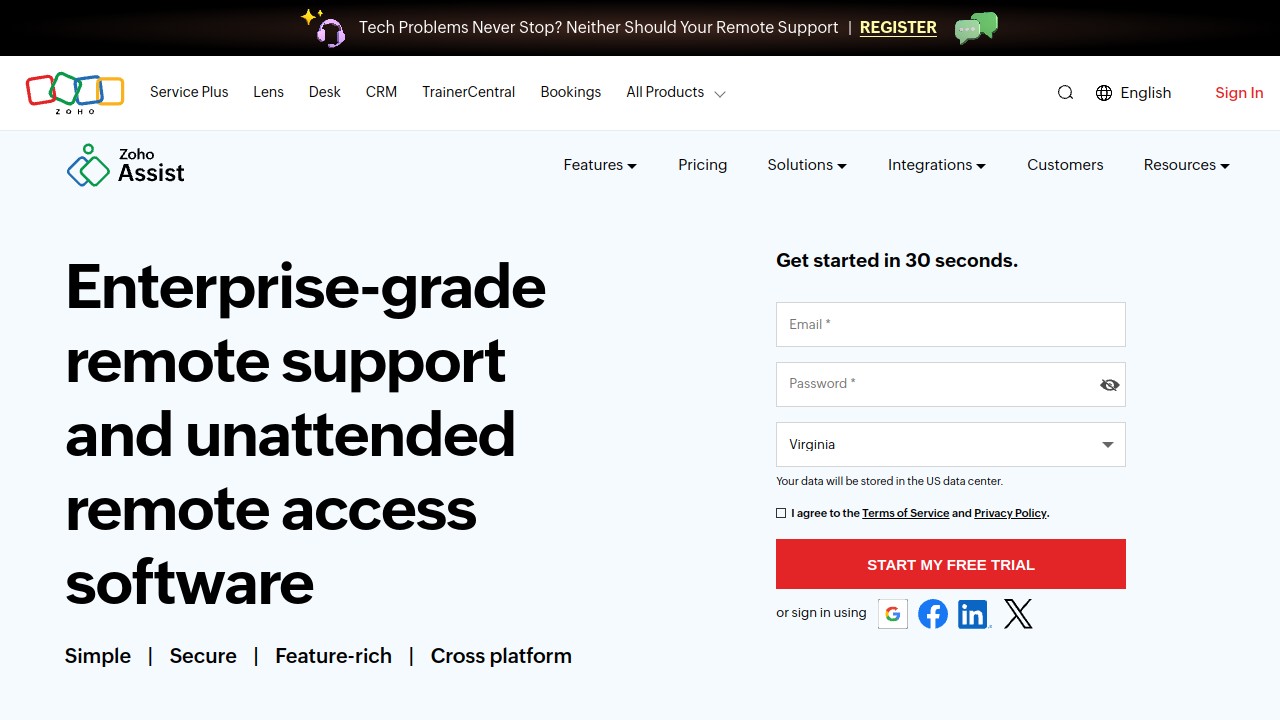
Zoho Assist is a cloud-based remote desktop software designed for IT and support teams to provide seamless remote access and troubleshooting. It's ideal for businesses needing to manage remote computers, offering both attended and unattended access options across various platforms like Windows, Mac, Linux, iOS, and Android.
Key Features:
-
Remote Support: Easily troubleshoot and control devices remotely with ad-hoc or on-demand sessions. Invite participants via email or SMS for quick, no-download connections.
-
Unattended Access: Monitor and manage devices without user interaction, using bulk deployment for easy setup.
-
Remote Camera Sharing: Use augmented reality tools for real-time remote assistance through smartphone cameras or smart glasses.
-
Cobrowse: Guide users through online processes without downloads, ensuring privacy with data masking.
-
Unified Endpoint Management: Go beyond support with IT management tools to detect vulnerabilities and automate compliance.
-
Security: Enterprise-grade security with TLS 1.2 and AES 256-bit encryption ensures data protection.
Zoho Assist is particularly beneficial for IT help desks, outsourced IT support, and MSPs looking for reliable and secure remote access solutions. It supports extensive integrations with Zoho’s ecosystem and other third-party tools, making it versatile for various business needs.
The software is easy to use, requiring no prior installations for technicians and offering a quick setup. Its privacy-focused features and compliance readiness make it a trustworthy choice for businesses prioritizing data security.
With over 132 million remote sessions and 150 million global customers, Zoho Assist stands out for its scalability and adaptability, providing a comprehensive solution for remote support and IT management.
Similar to Zoho Assist